Project
Quizzes from any PDF
A web app that turns an uploaded PDF into a graded quiz and keeps a history of the results.
Project snapshot
- Industry
- Training
- Input modalities
- PDF documents
Situation
The situation
Checking whether someone has absorbed a manual or a handbook usually means writing the test questions by hand.
The build
What I built
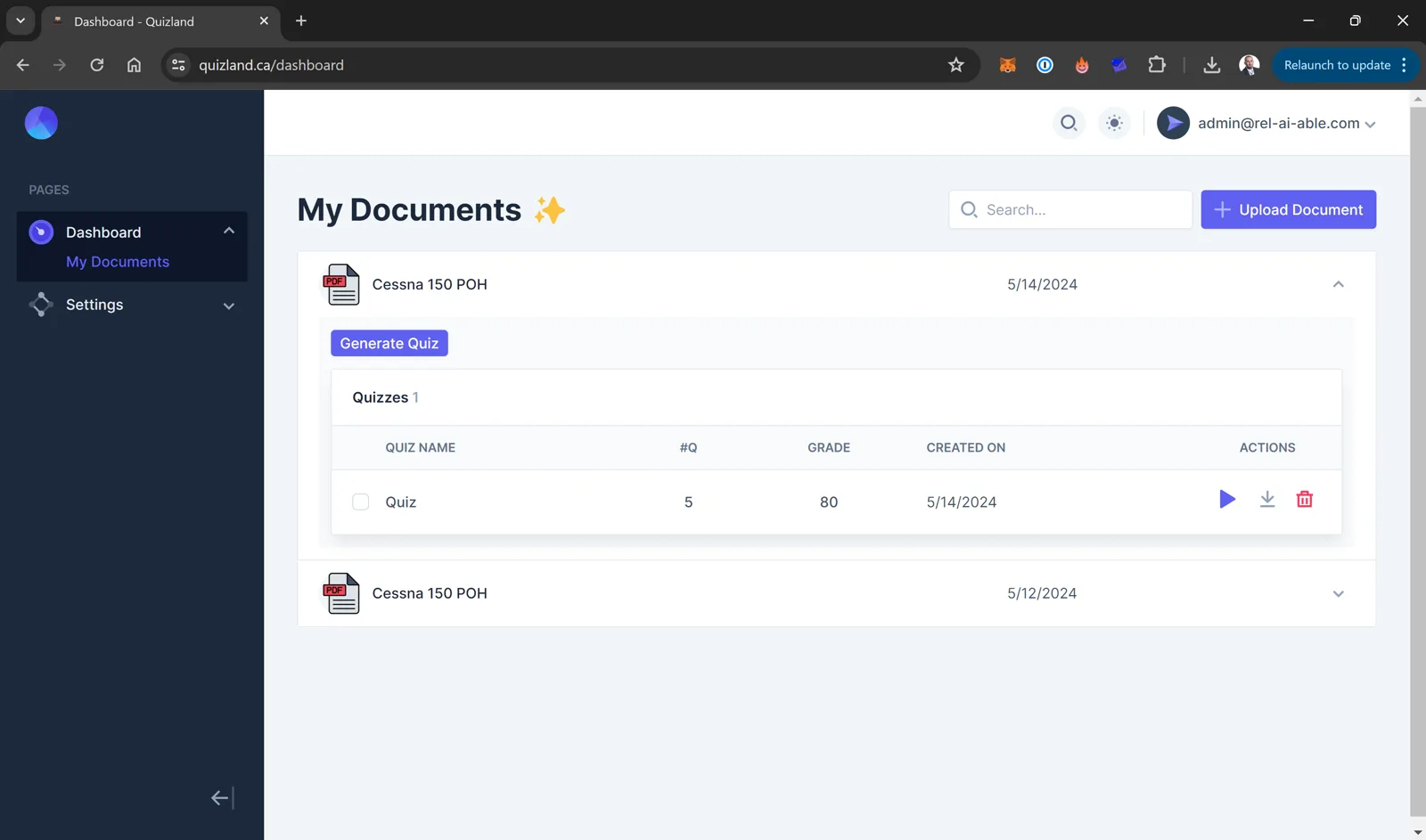
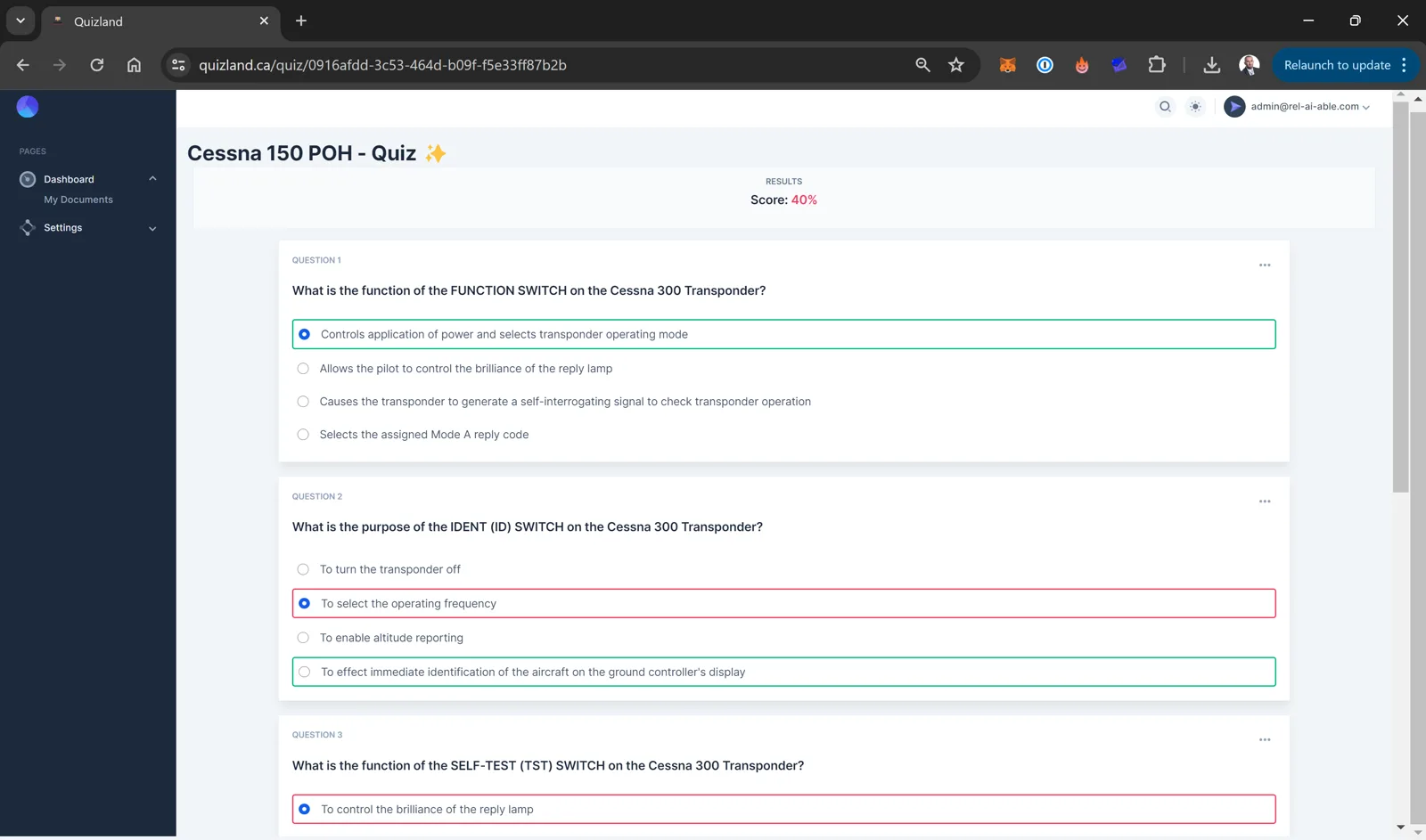
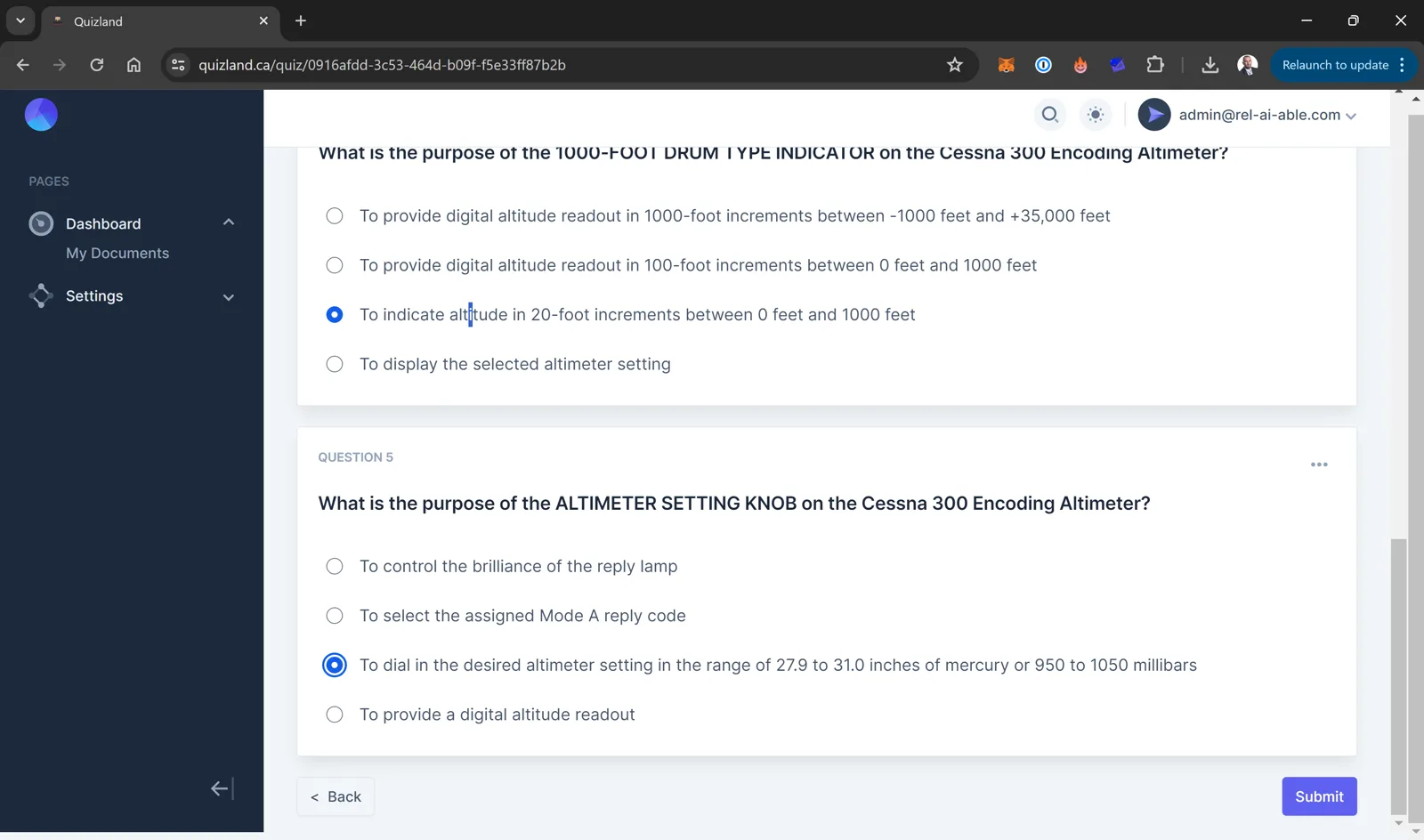
I built a web app where you upload a PDF and get a random quiz drawn from its content. The app grades each answer, shows the correct one, and keeps past grades.
In use
What it does
- You upload a PDF and get a quiz from its content in seconds.
- The app grades each answer and shows the correct one.
- It keeps the grades, so you can review progress on a document later.
In detail
A closer look at the problem and how the build works.
The situation
Manuals and handbooks are long. Testing whether someone has absorbed one usually means a person writing questions by hand.
What I built
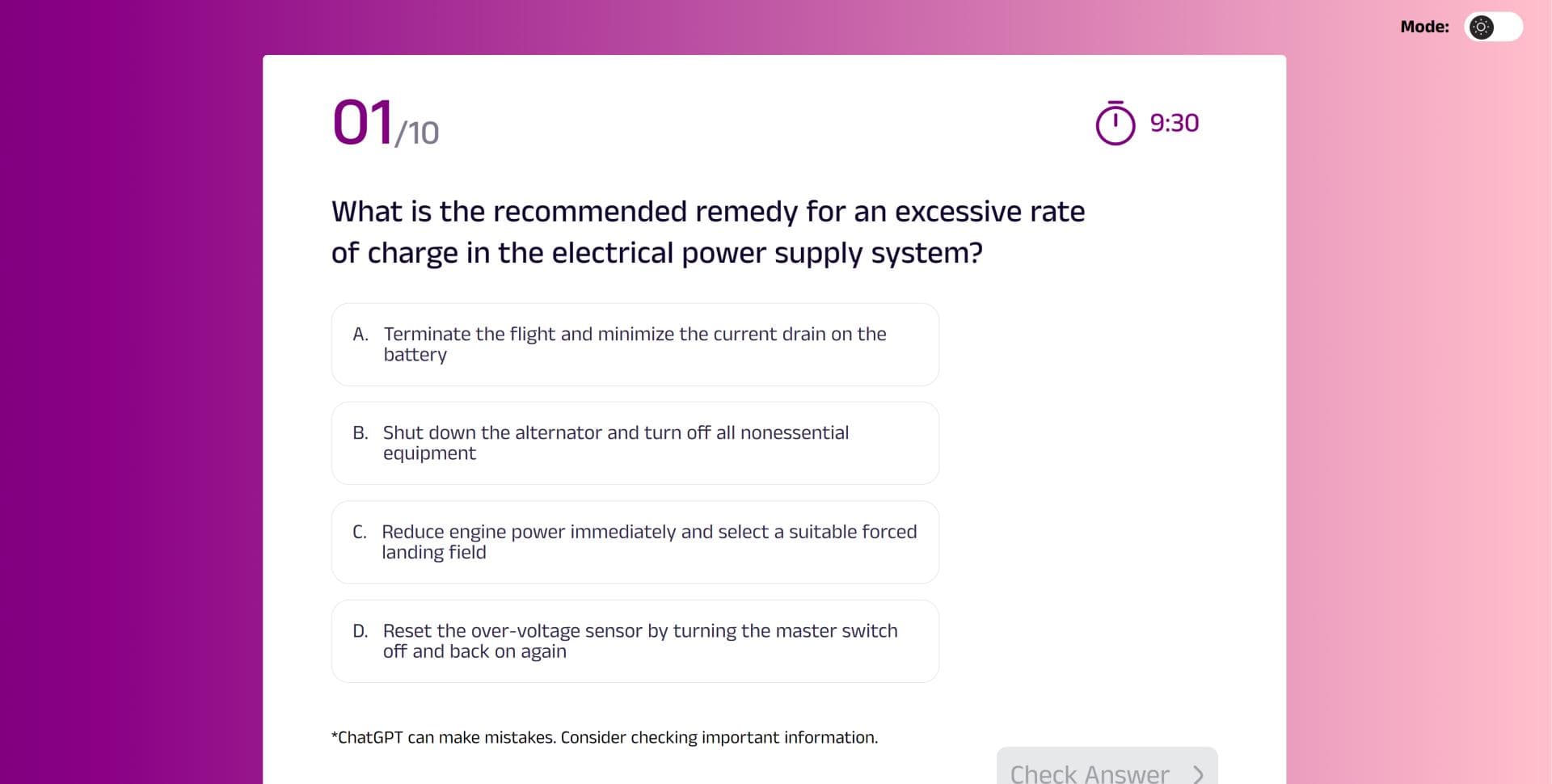
I built a web app that writes the quiz from the document. There are two builds. One shows a question at a time with a countdown. The other has accounts, a document library and a grade history.
How it works
- You upload a PDF.
- The app writes a random set of multiple-choice questions from its content.
- It grades each answer and shows the correct one.
- It saves the grade against the document.
More screens from this project