Project
First drafts of government bid responses
A tool that reads a bid request and a company's own documents, writes a first draft of the response, and rates the draft.
Project snapshot
- Industry
- Government bids
- Input modalities
- Bid documents (PDF or Word)Company documents (PDF or Word)
Situation
The situation
Answering a government RFP or RFQ means reading long bid documents and matching each requirement against the company's own material before anyone writes a word.
The build
What I built
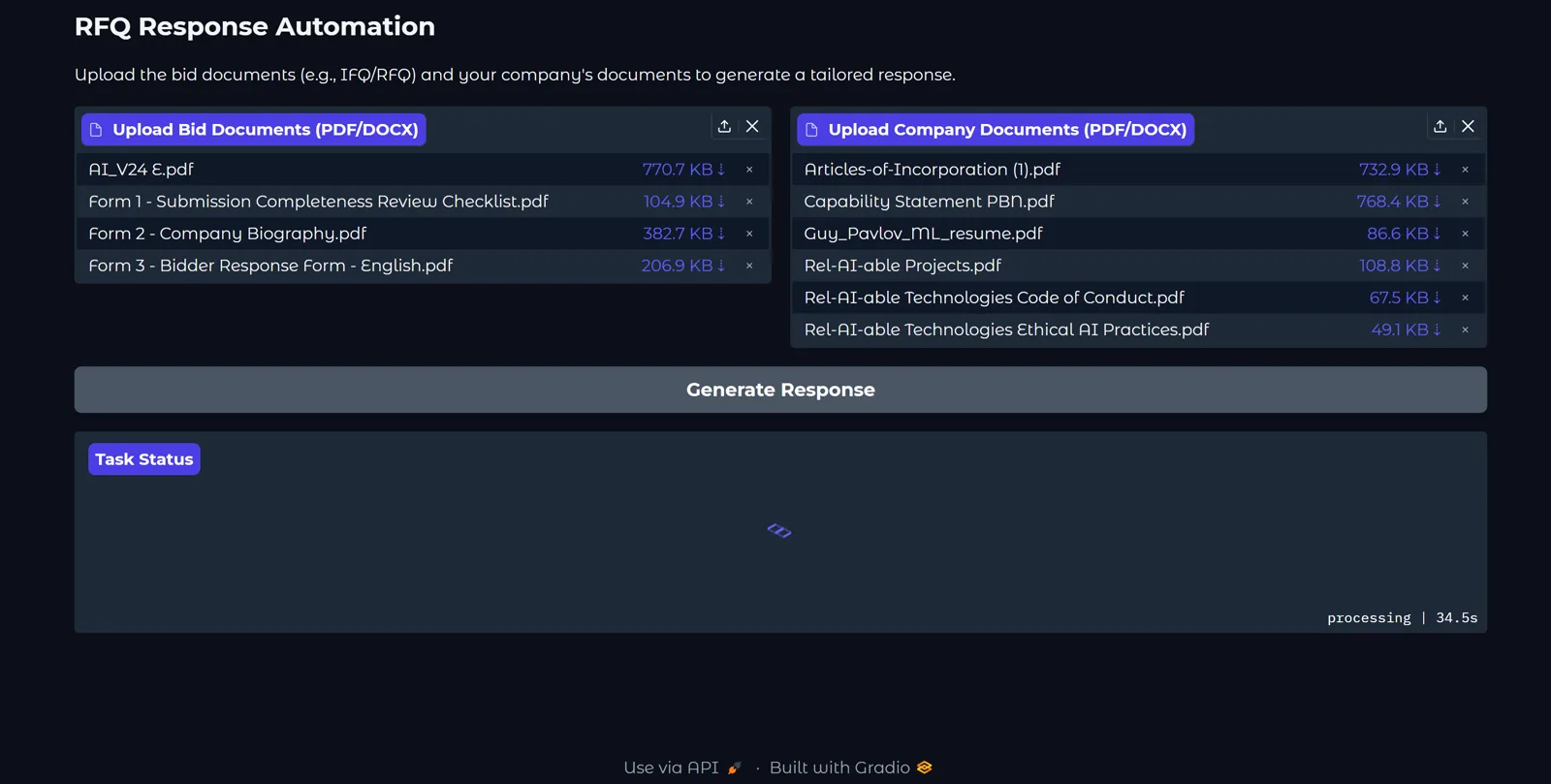
I built a tool where you upload the bid documents and the company documents. It reads both, drafts the response in sections, and then evaluates its own draft.
In use
What it does
- You upload the bid documents and the company documents, and the tool writes a draft response.
- The draft comes in sections, from technical capabilities to compliance.
- A second pass rates each section and recommends changes.
In detail
A closer look at the problem and how the build works.
The situation
A government bid request arrives as several long documents. Answering it means reading all of them, then matching each requirement against the company's own policies, past work and staff profiles.
What I built
I built a tool with two upload areas: one for the bid documents and one for the company's documents. One button generates the response.
How it works
- The tool reads the bid documents and the company documents.
- It writes a draft response in sections.
- It then evaluates the draft, rates each section, and recommends changes.
The draft is a starting point for the person who finalizes the response.